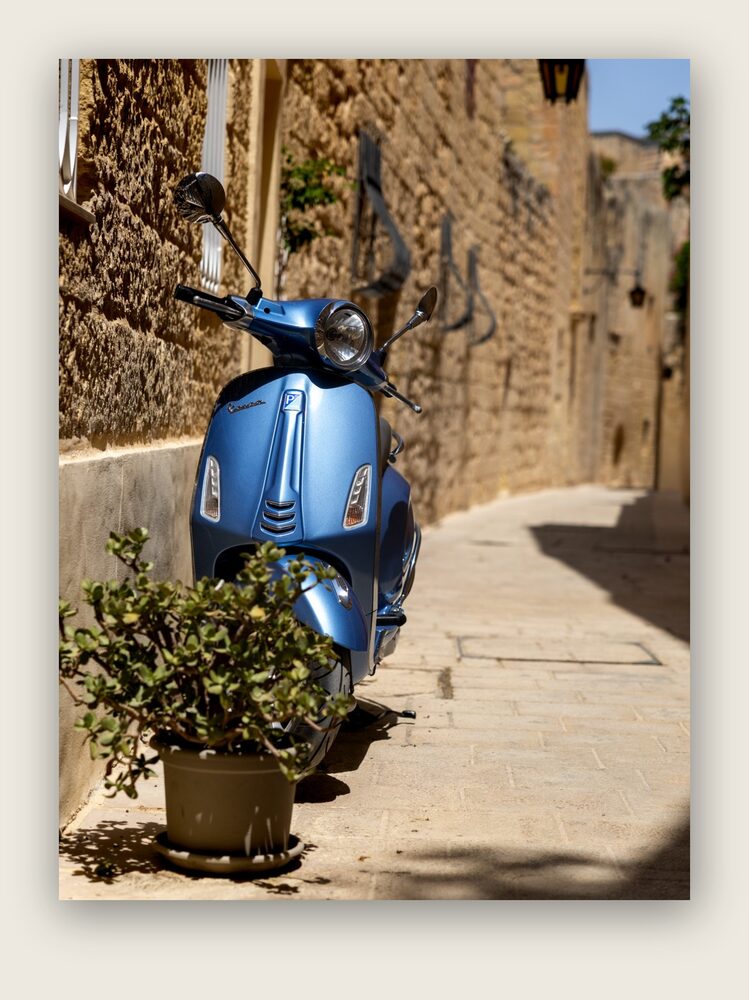
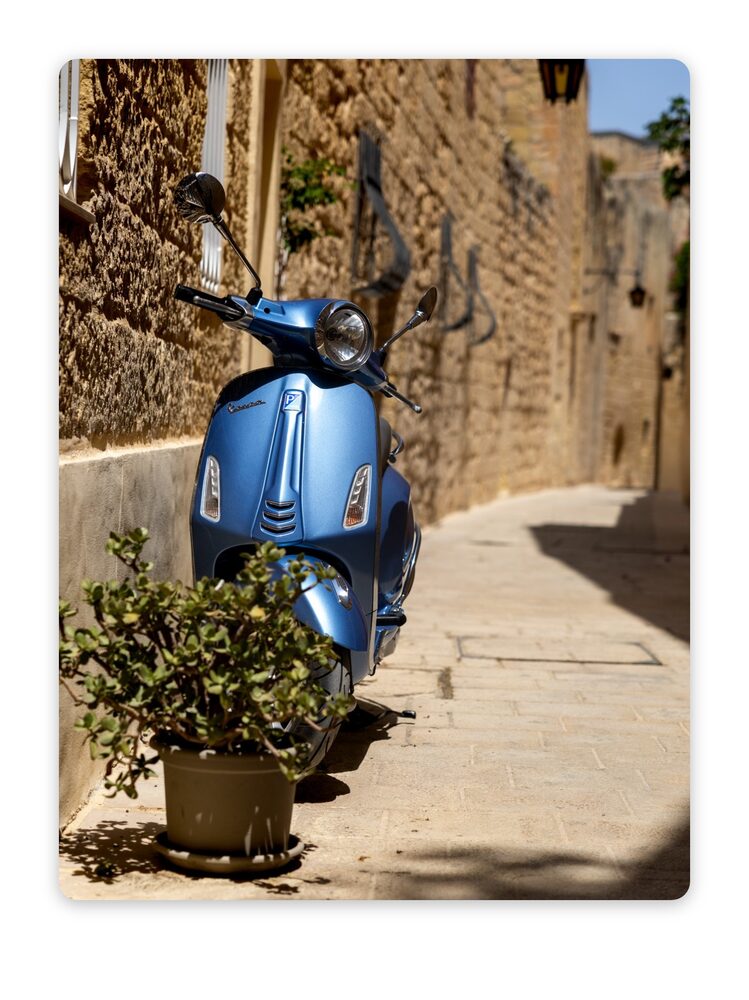
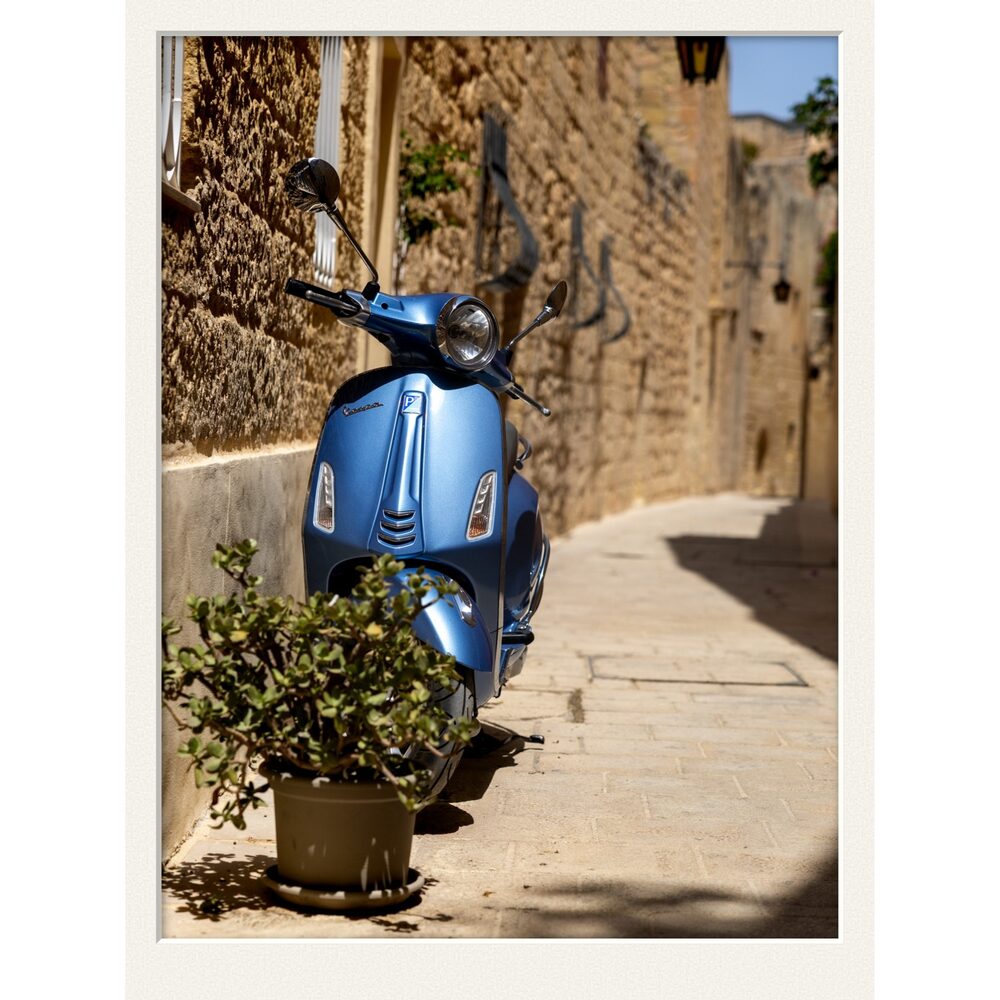
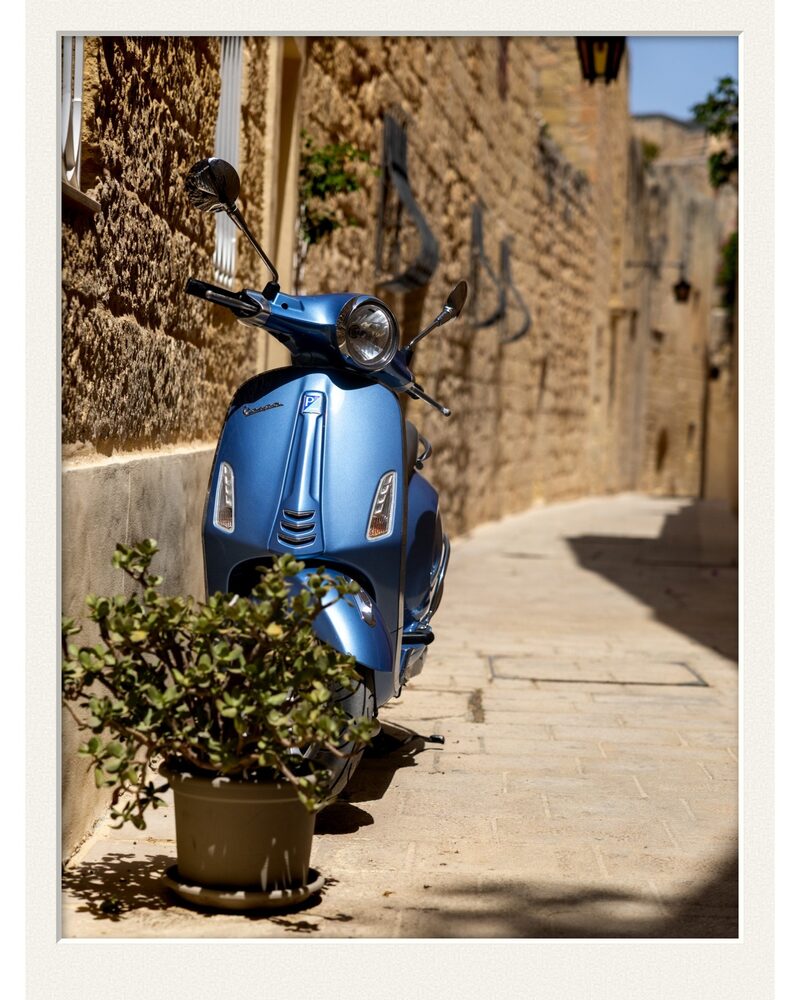
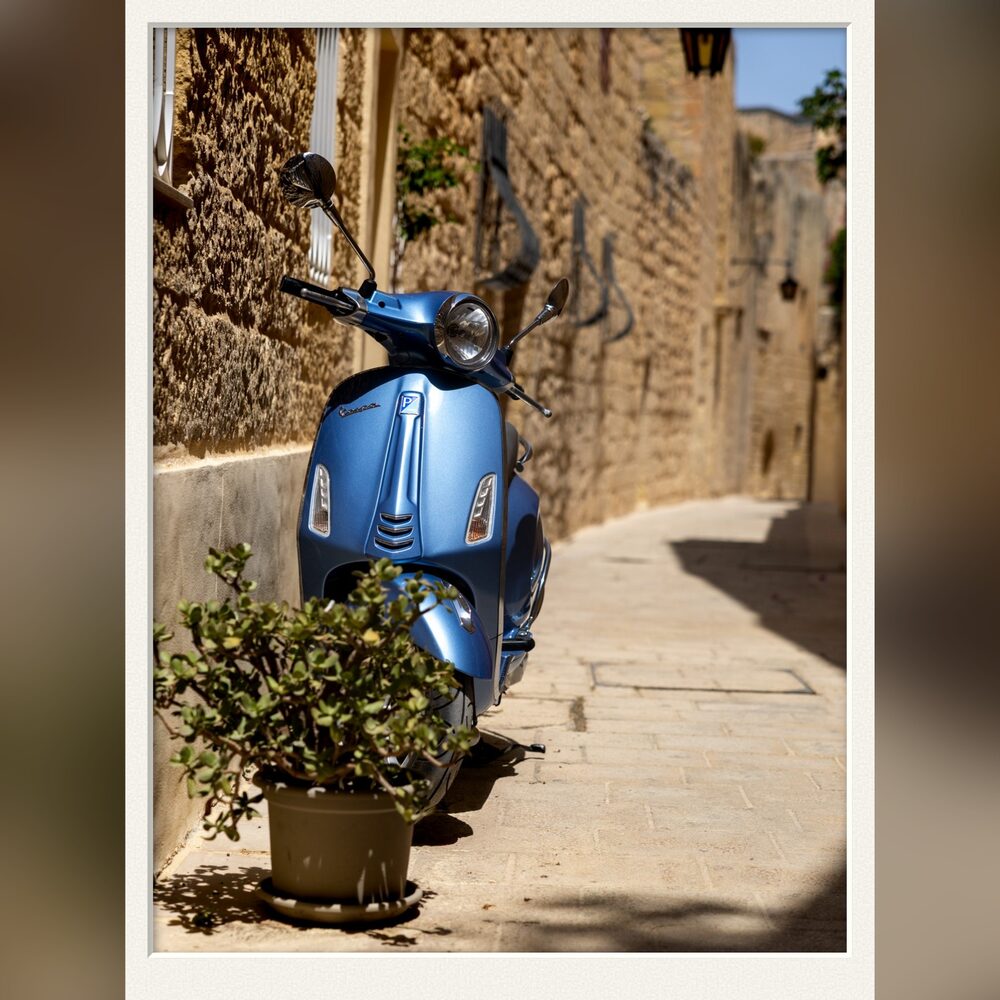
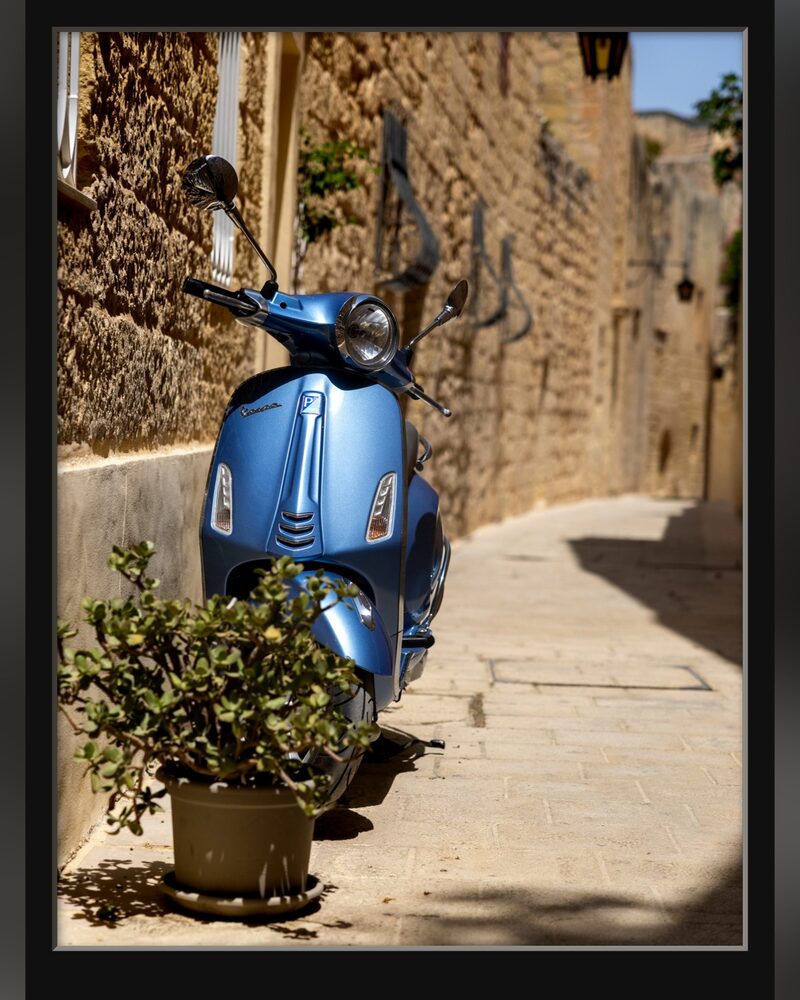
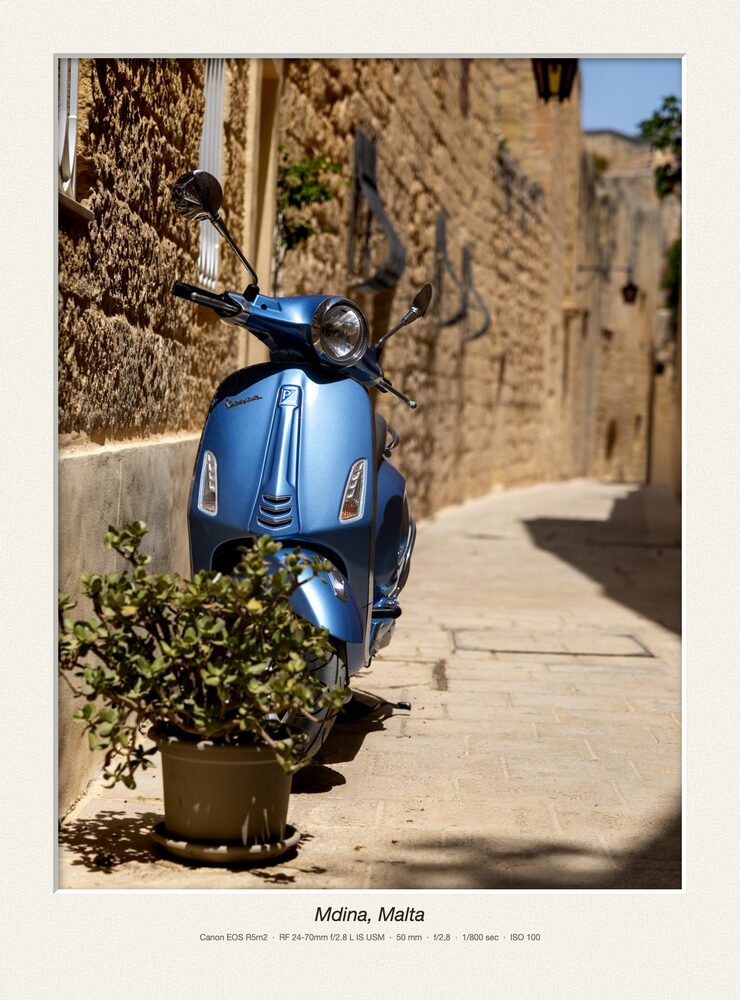
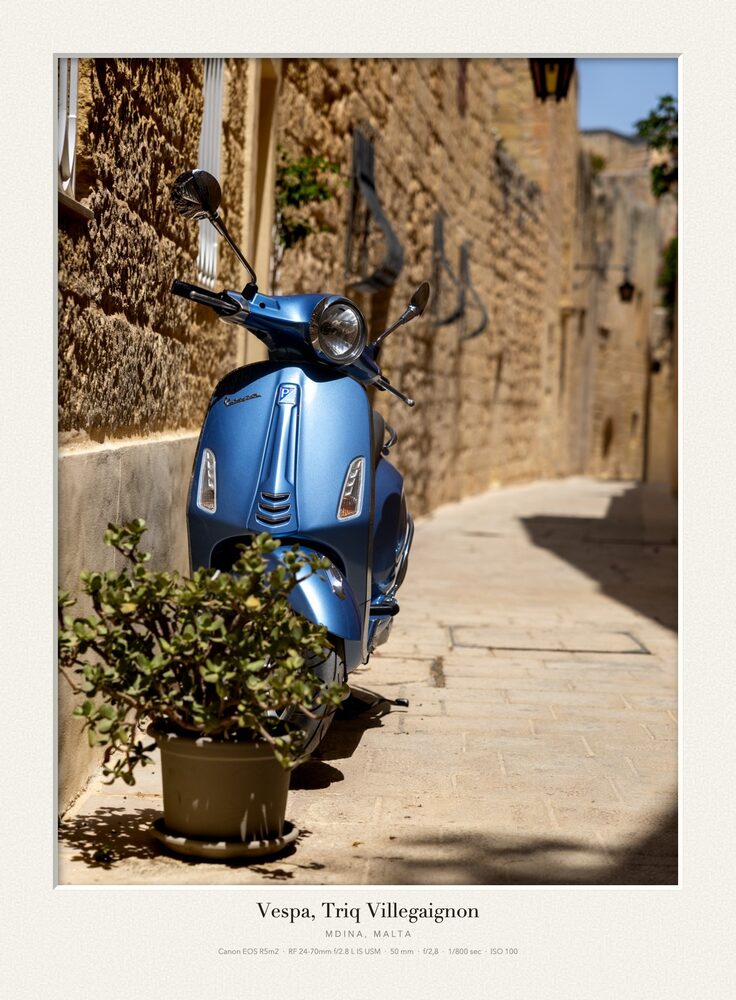
Every picture below came out of BorderLight itself, rendered at full
resolution from the same source photograph — so what changes from one
to the next is only the setting, not the picture.
The captions here carry stand-in text: these were rendered from a file
with no metadata, where the plug-in would normally read the title,
camera and lens out of your catalogue.
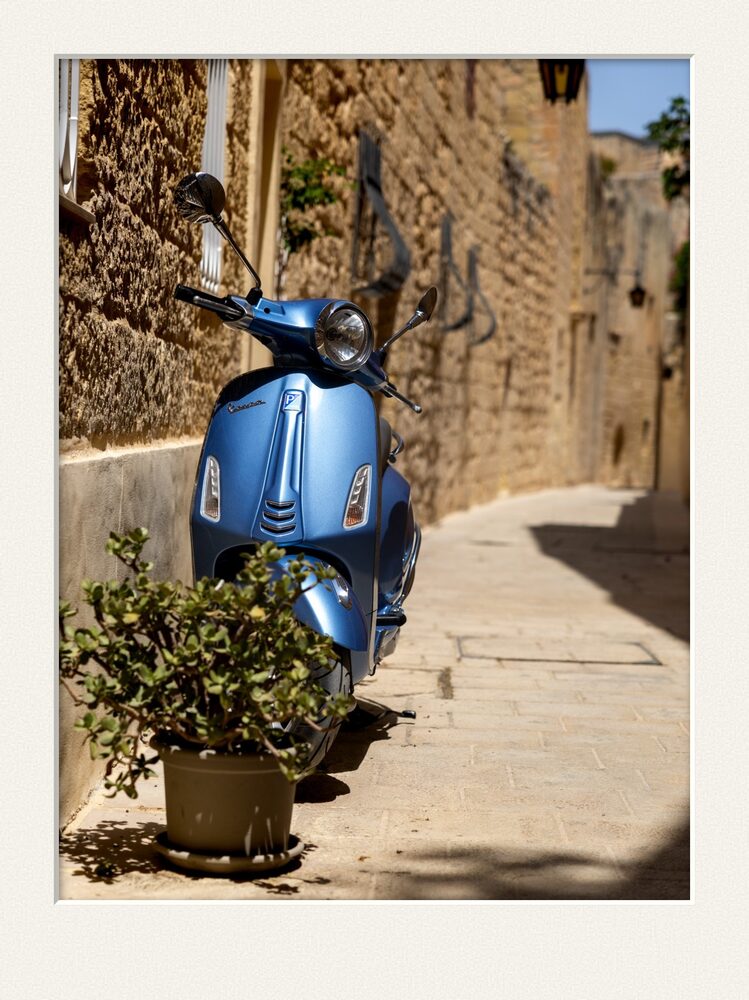
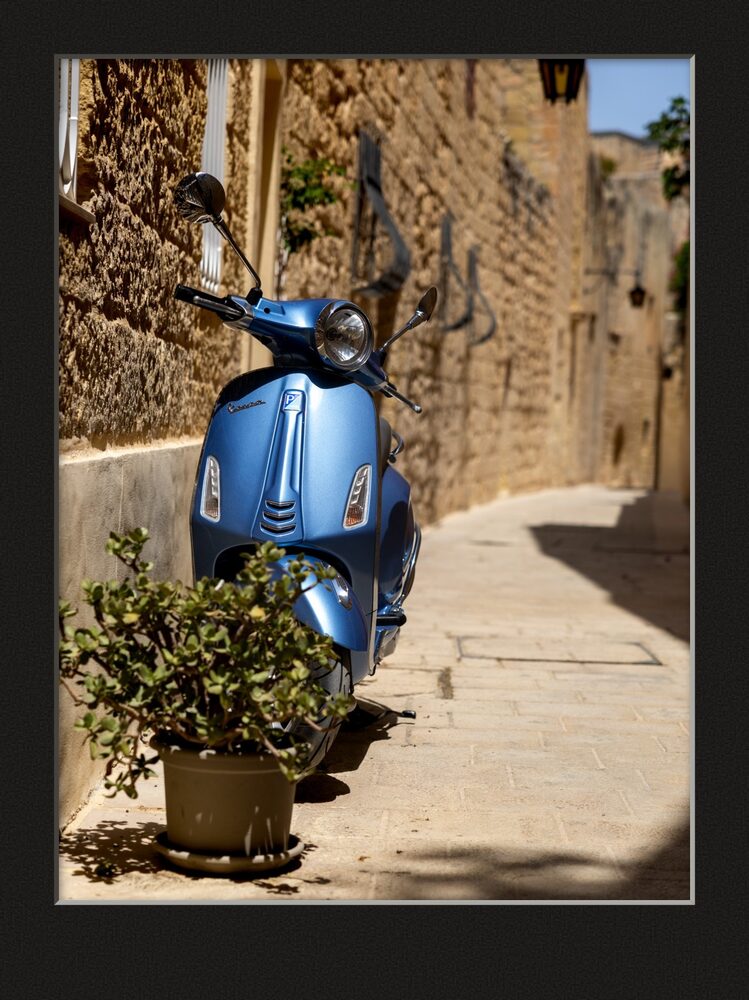
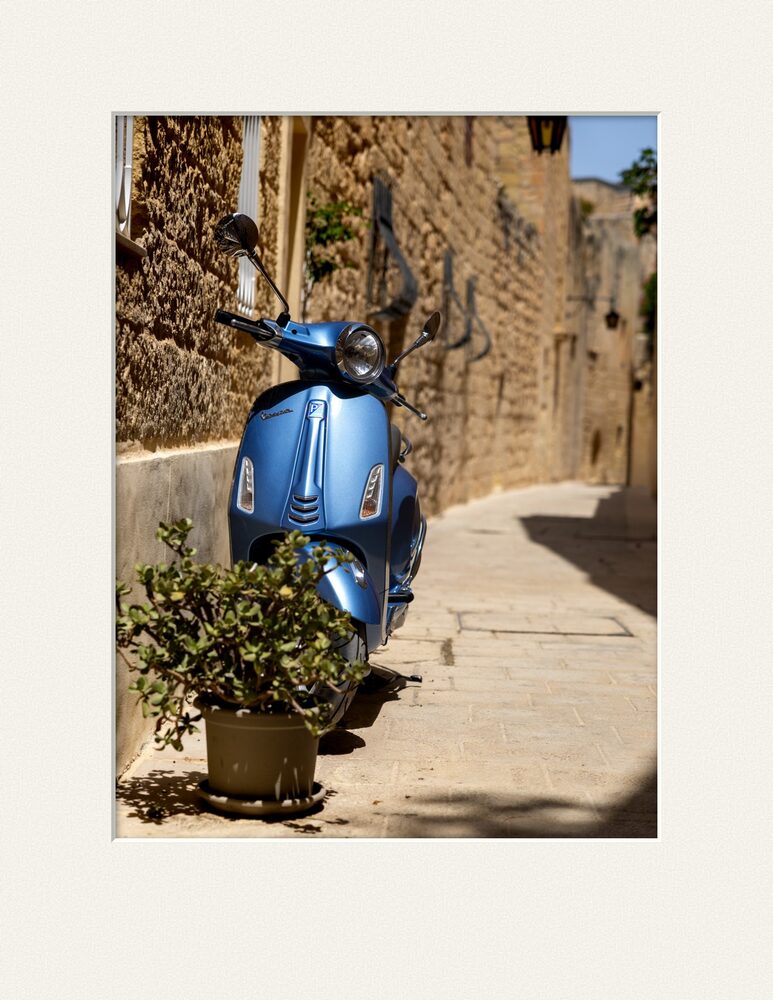
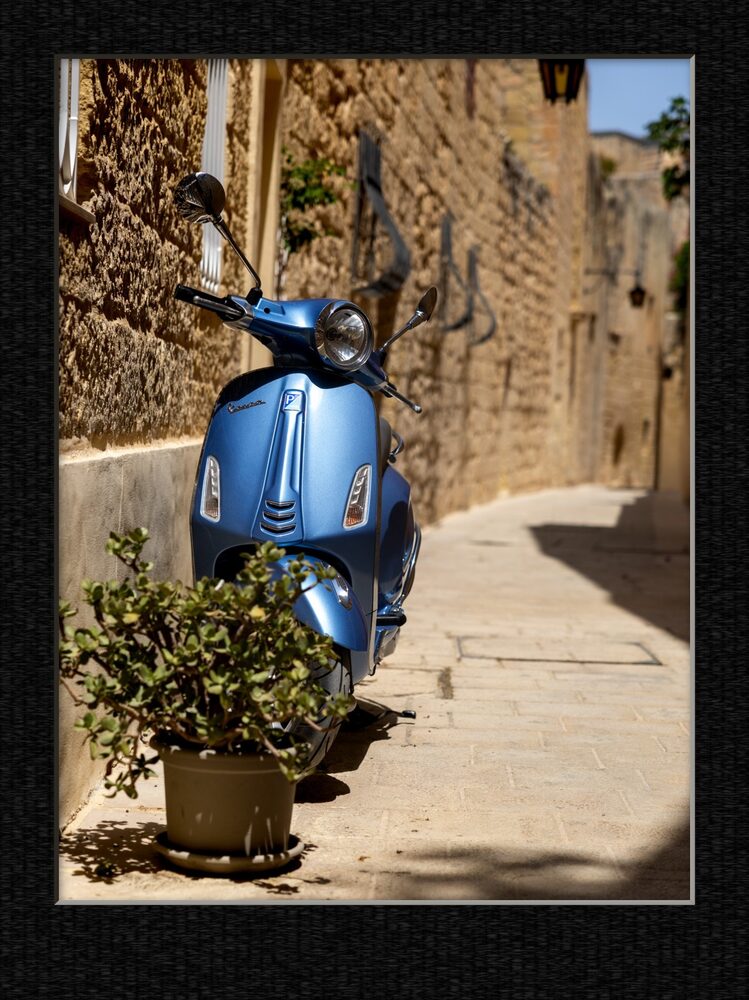
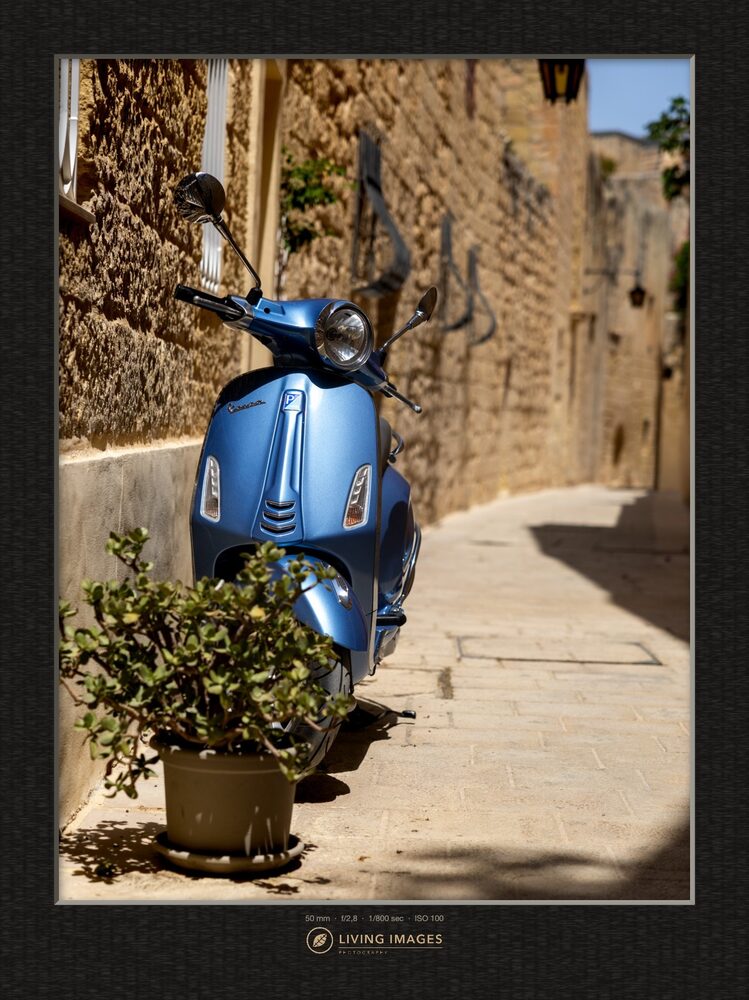
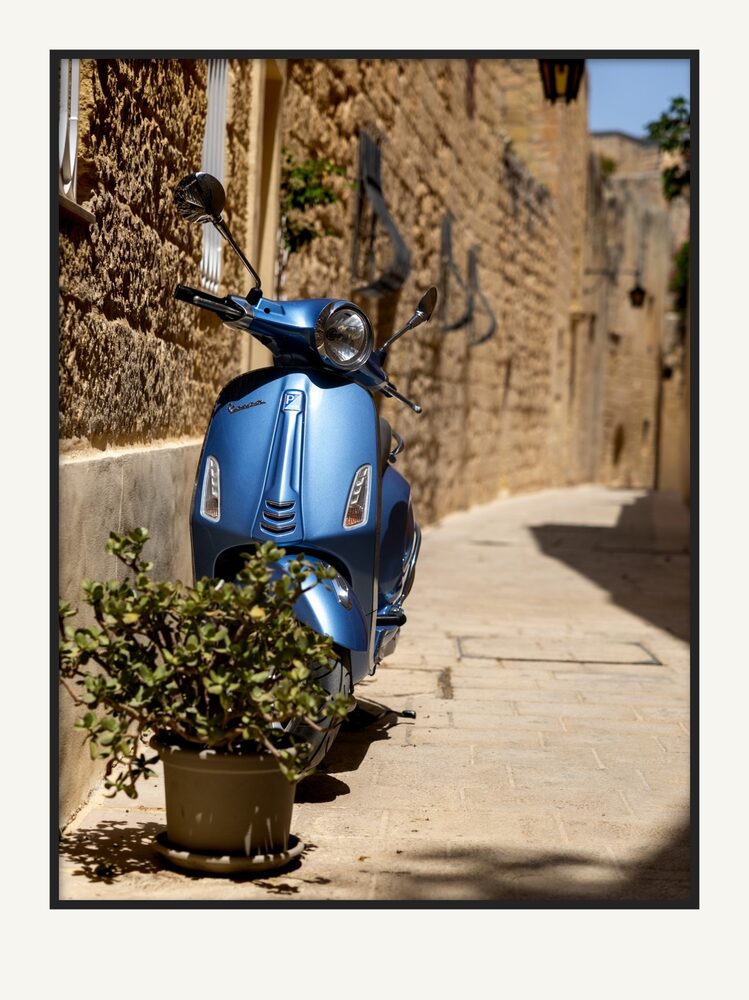
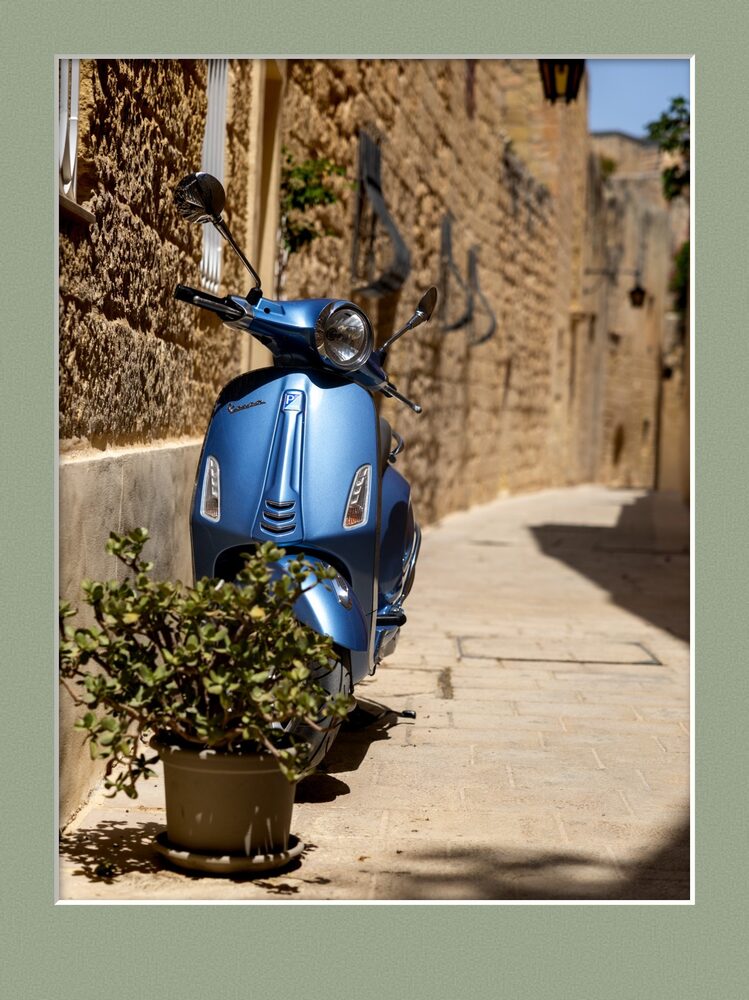
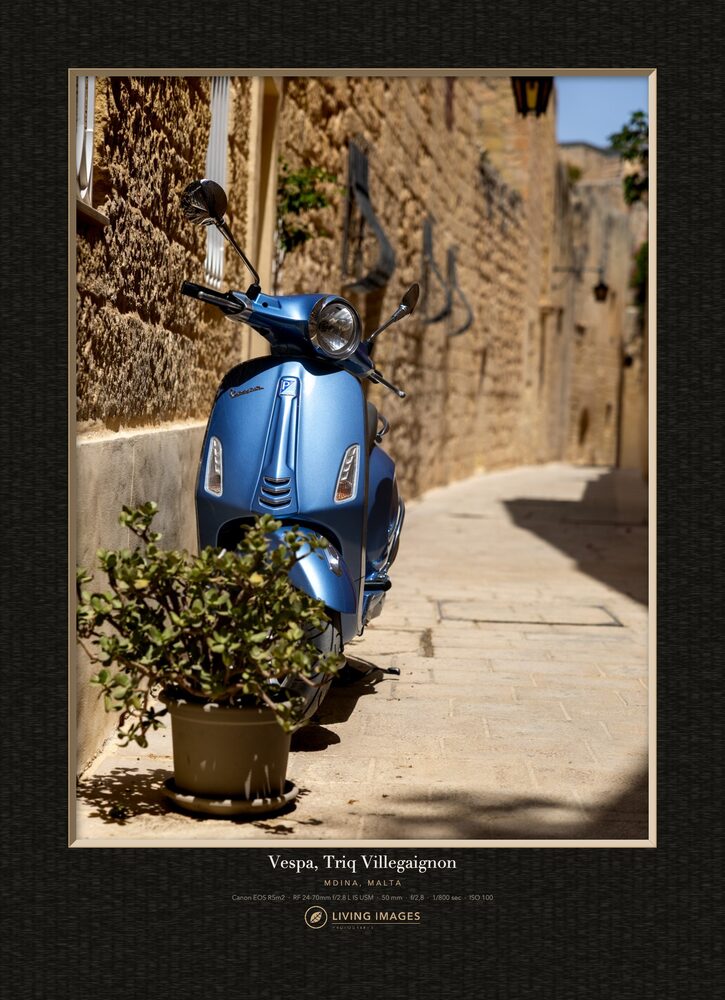
Museum Passepartout The shipped default: a bevel-cut mat, the core showing white in the cut.Dark Museum Board The same cut on a dark board. The bevel is modelled and lit, not drawn on.Wide Gallery Mat A board at 16% of the long edge — the proportion that reads as a gallery wall.Black Linen The linen weave at its most visible, which no pale board can show.Lifted Further The print lifted off a flat board, rather than cut into a mat.Rounded Corners Rounded corners — the one modern shape in the set.Social Square A 1:1 canvas from a portrait original, with nothing cropped away.A 4:5 Canvas A taller canvas for social, the photograph untouched inside it.Blurred Fill The canvas filled with the photograph itself, blurred.Blurred and Darkened The same idea pushed back, so the print carries the colour.Title and Metadata A title and a metadata line, two faces in one block beneath the window.Three Lines Three caption lines, each sized and coloured apart.Brass on Charcoal A tinted logo on charcoal linen.Keyline as Frame A keyline widened until it reads as a frame in its own right.Sage Board A board colour picked out of the photograph itself.Everything at Once Mat, texture, caption, logo, keyline and shadow together.